Accessibility first apps and games

CoA apps and games are for everyone — built with low vision and screen reader accessibility as a priority.

Apps
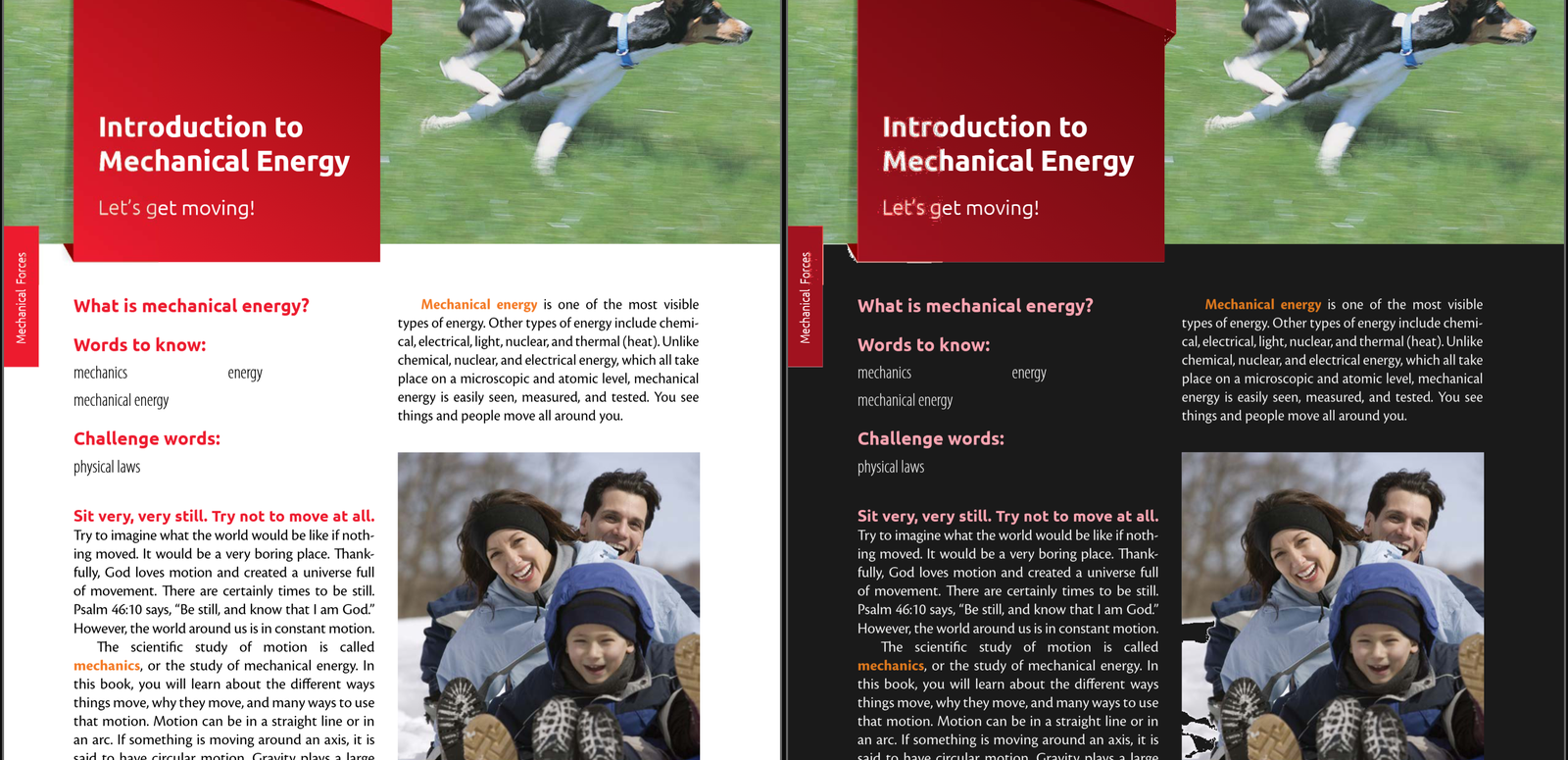
Access-a-Reader showing a PDF page in dark mode: light text on a dark page with the coloured photo unchanged, a yellow highlight across one sentence, a blue pen squiggle under the heading, and a yellow note that reads Read this part again before Friday.

Access-a-Reader

Open any PDF, or a photo of a page, in real dark mode: colours keep their hue, pictures stay pictures, scans get readable text, and you can highlight, draw and add notes, then save it all as a new PDF. Beta.

Learn More Open App
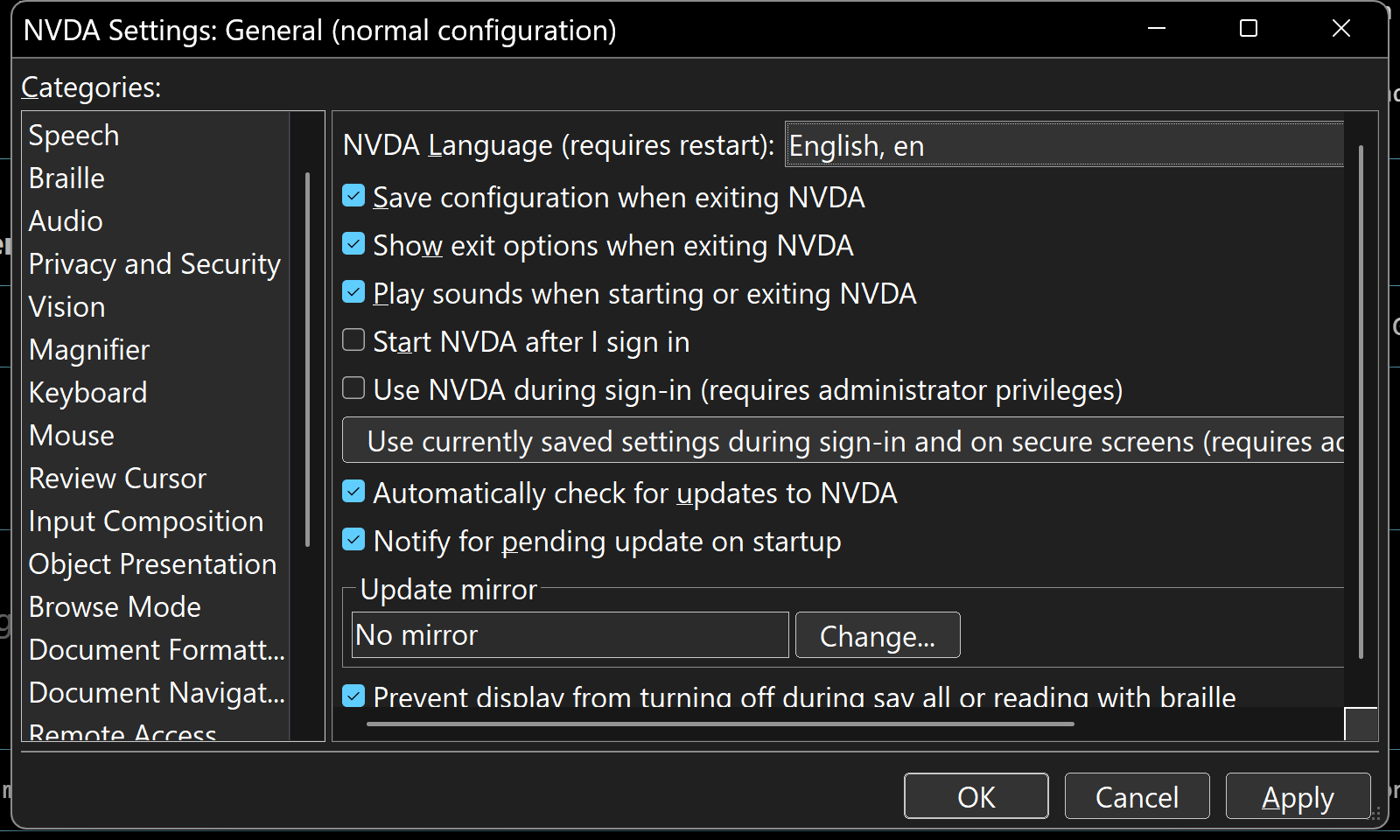
The NVDA Settings dialog in dark mode: a dark grey window with a black title bar, the Categories list on the left, and the General settings on the right, all in white text with blue check marks.

Dark Mode for NVDA

An NVDA add-on that gives the screen reader's own windows, dialogs, and menus a dark theme. Nothing NVDA says changes; only the colours do. Beta.

Learn More Install
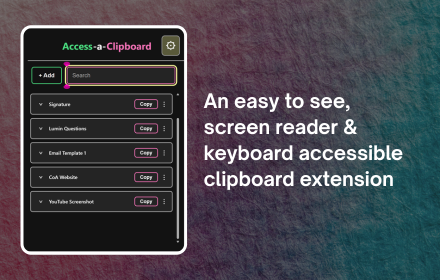
Access-a-Clipboard popup showing a list of saved entries such as Signature, Lumin Questions, and CoA Website, each with a Copy button, next to the tagline: an easy to see, screen reader and keyboard accessible clipboard extension.

Access-a-Clipboard

Copy it once, never lose it again. Save text, links, and images in Chrome, then pull any of them back instantly with a simple shortcut code.

Learn More Get it now
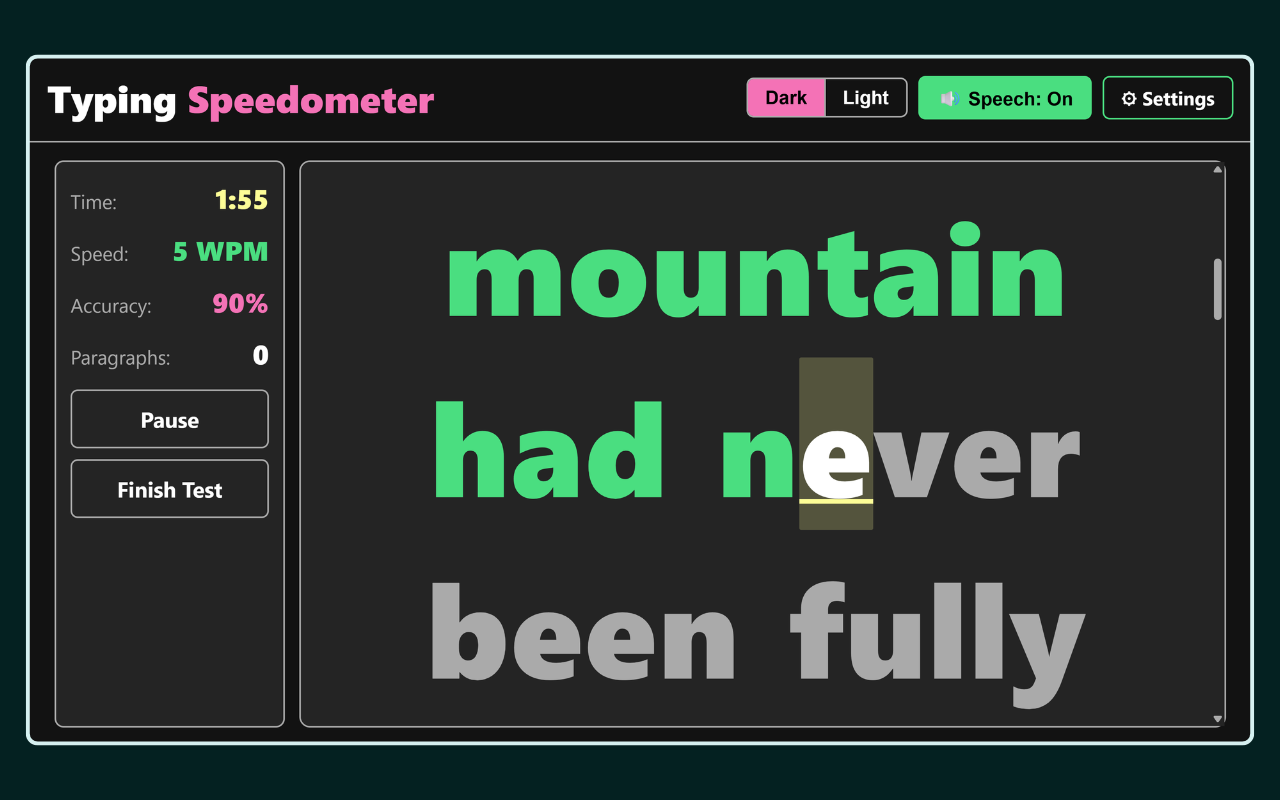
Gameplay screen with a sidebar showing Time 1:55, Speed 5 WPM, Accuracy 90%, Paragraphs 0, and Pause / Finish Test buttons, next to large passage text reading 'mountain had never been fully' with correctly typed letters in green and the current letter highlighted.

Typing Speedometer

A typing test that's actually accessible! Pick an audience from Kids to Adults, a mode from Letters to your own text, then race the clock or take your time.

Learn More Open App
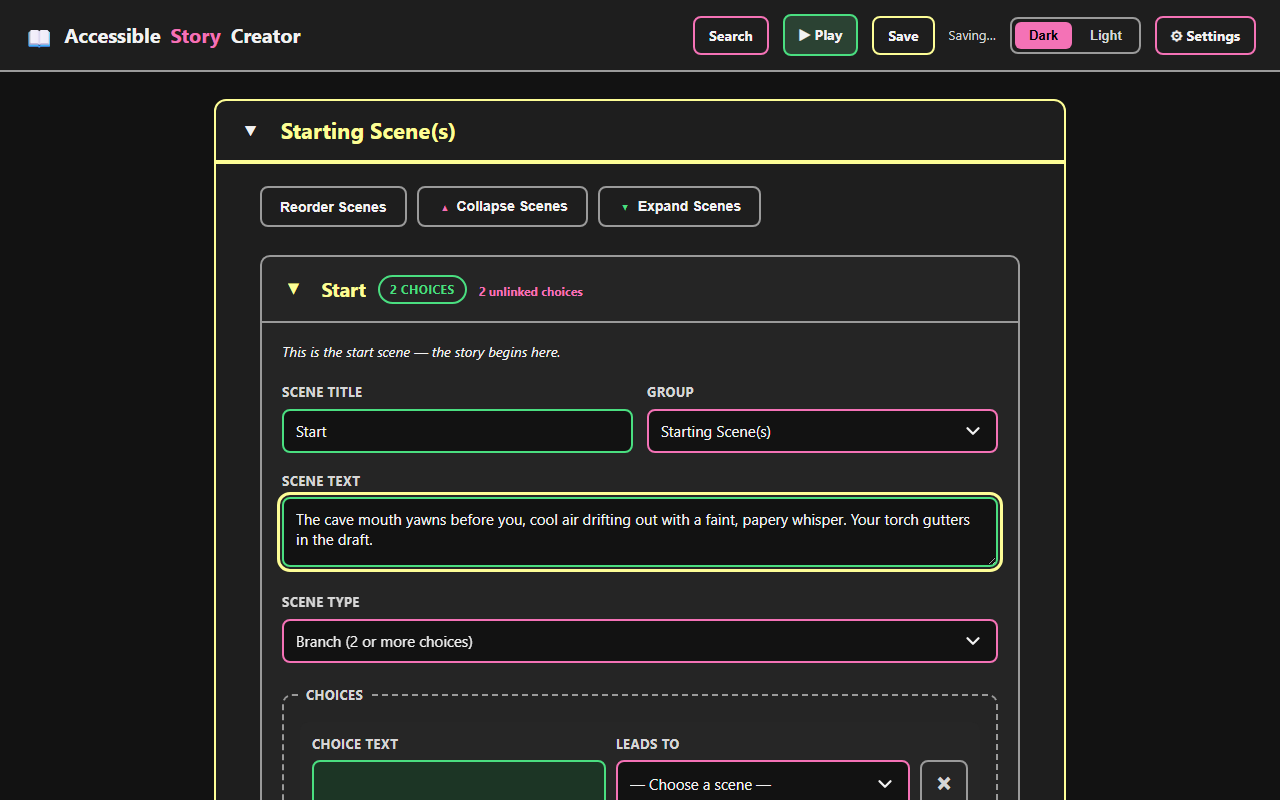
Story Creator editing the Start scene of a project called The Whispering Cave, with fields for Scene Title, Scene Text, Scene Type, and two branching Choices.

Story Creator

Branching stories, built your way — no visual canvas required. Write with headings and links, play it back as you go, or export a real Ink script.

Learn More Open App
Access-a-Bible reading Psalm 23 in the King James Version, with a chapter navigation strip and a toolbar offering play, reading plans, highlights and notes, and the microphone.

Access-a-Bible

Say it, type it, or pick it — and hear it read back. Six translations, commentary and verse-by-verse teaching audio for whatever you’re reading, plus plans that tick themselves off as you go.

Learn More Open App
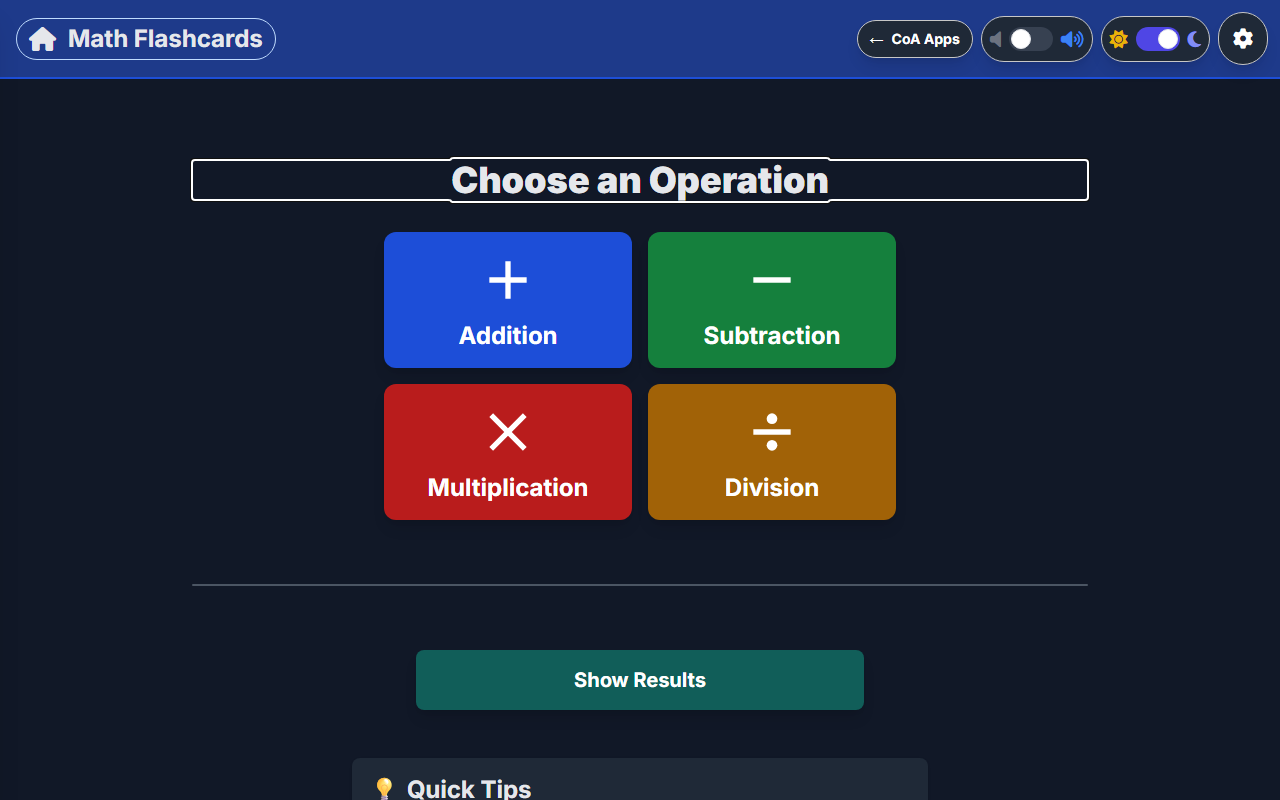
Math Flashcards start screen with a Choose an Operation heading and four colored buttons for Addition, Subtraction, Multiplication, and Division.

Math Flashcards

Math facts, on your terms. Pick an operation and a difficulty, then answer with the keyboard or an on-screen number pad.

Learn More Open App

Games

Gem Maze gameplay two squares from a glowing pink gem on its stone pedestal at the end of a brick corridor, with a night-sky window on the right wall and a gold carpet. The status line reads Level 5, 0 of 5 gems.

Gem Maze New

Find the hidden gems by ear. Each one chimes from the passage you need to take in a 3D maze you can play by sound alone — ten levels, an optional chaser, and a leaderboard.

Learn More Play Now
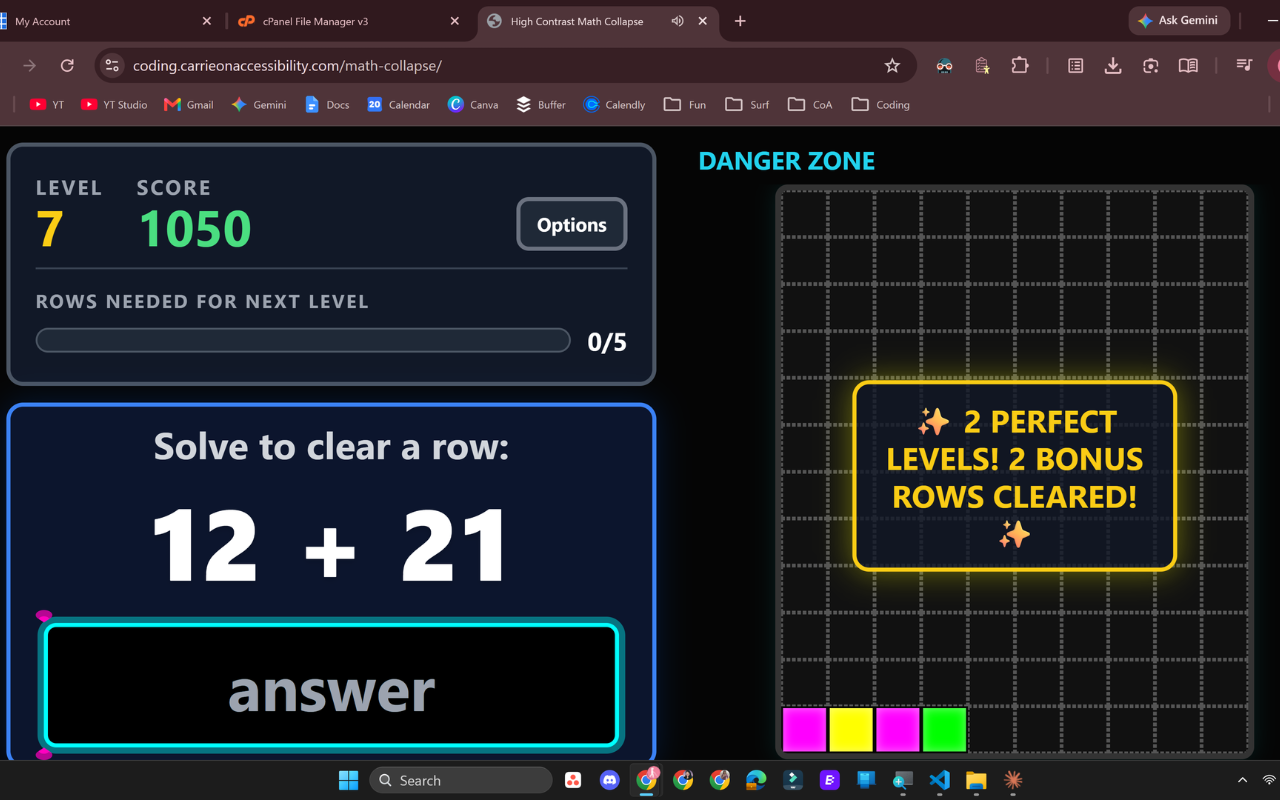
Math Collapse gameplay screen showing the current level, score, a math question to solve, and the Danger Zone grid on the right with a bonus alert for clearing two perfect levels in a row.

Math Collapse

Solve fast or get buried. Answer addition, subtraction, multiplication, or division questions to clear rows before the stack reaches the top.

Learn More Play Now
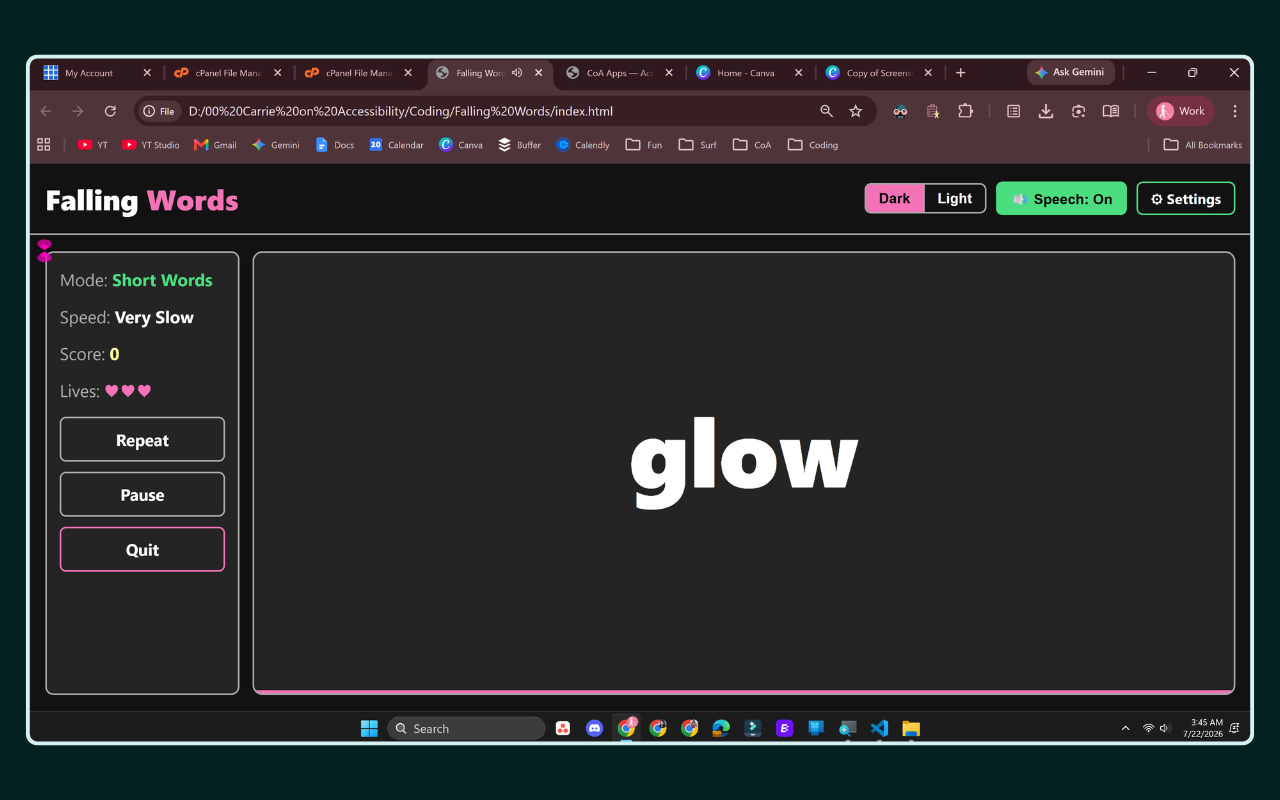
Falling Words gameplay screen showing the sidebar with Mode: Short Words, Speed: Very Slow, Score: 0, and three hearts for Lives, next to Repeat, Pause, and Quit buttons, with the word 'glow' falling in the large canvas area.

Falling Words

Type it before it lands. Race each falling word to the bottom across four difficulty modes and six speeds.

Learn More Play Now
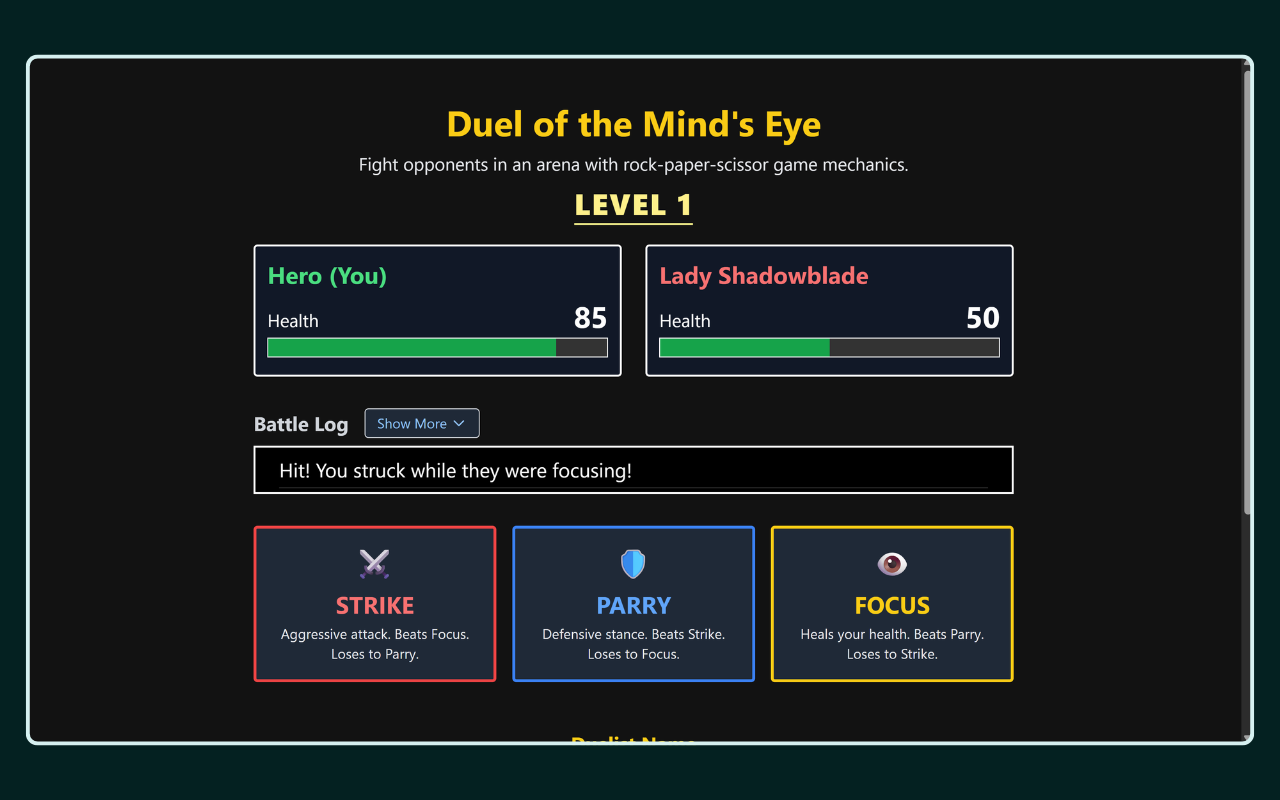
Duel of the Mind's Eye battle screen showing Level 1, Hero at 85 health facing Lady Shadowblade at 50 health, a battle log message reading "Hit! You struck while they were focusing!", and the Strike, Parry, and Focus move buttons.

Duel of the Mind's Eye

Strike, Parry, or Focus — outwit a fantasy opponent who adapts to your every move.

Learn More Play Now
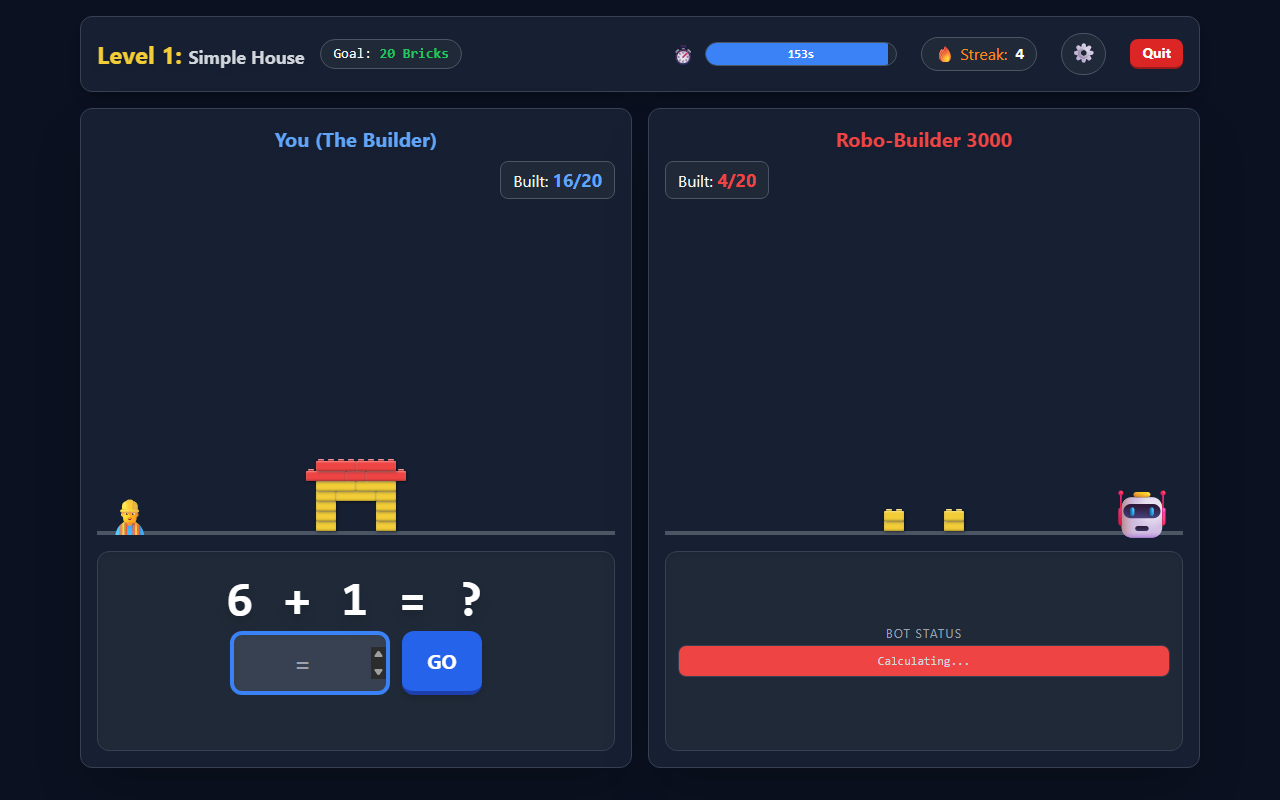
Lego Math Battle gameplay showing Level 1: Simple House, a partially built structure at 16 of 20 bricks against the Robo-Builder 3000's 4 of 20, and the question 6 + 1 with an answer field.

Lego Math Battle

Outbuild the robot. Answer correctly to add bricks to your LEGO-style structure while the Robo-Builder 3000 races to finish its own, then unlock power-ups across 5 levels.

Learn More Play Now
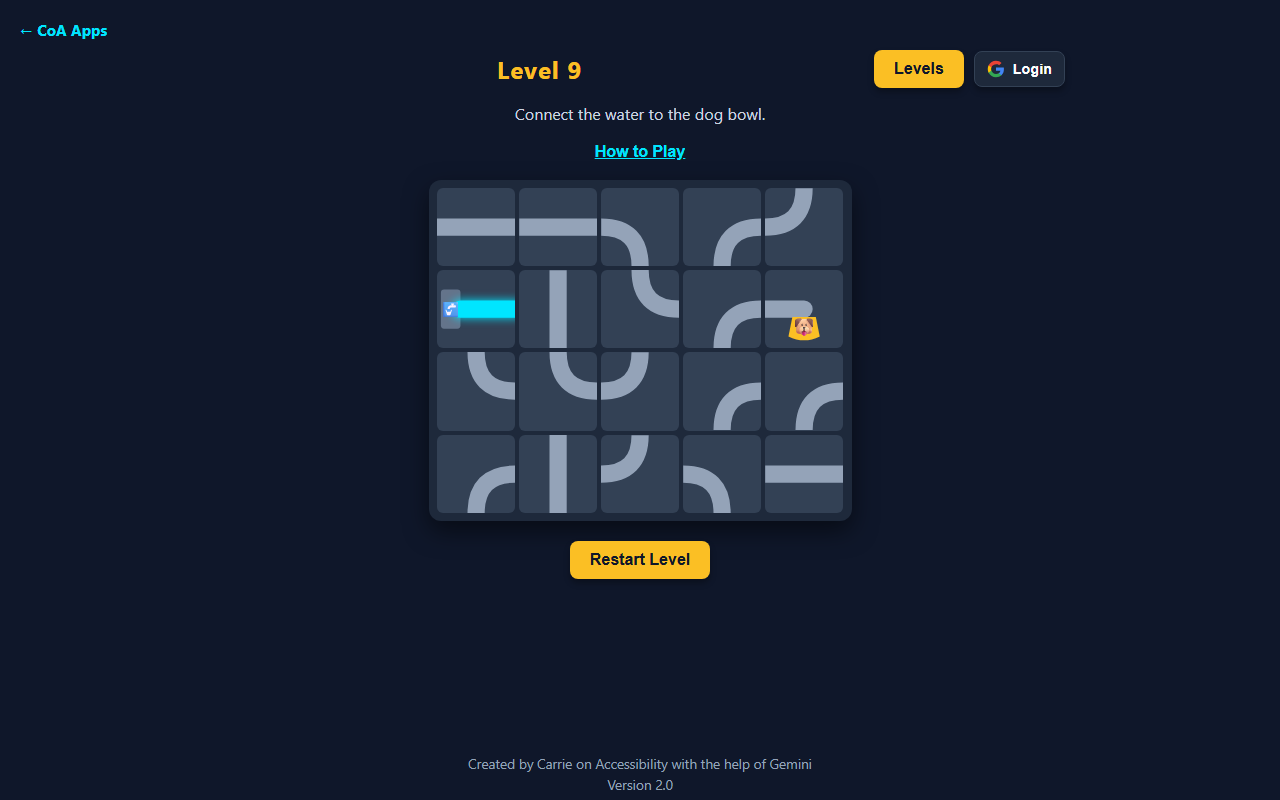
Pipe Game Level 9 with a 5 by 4 grid of pipe tiles, water flowing from the faucet into just the first tile, and the rest of the pipes still needing to be rotated to reach the dog bowl.

Pipe Game

Get the water flowing. Rotate pipes from the faucet to the dog's bowl across 100 levels of growing grids and locked pipes.

Learn More Play Now
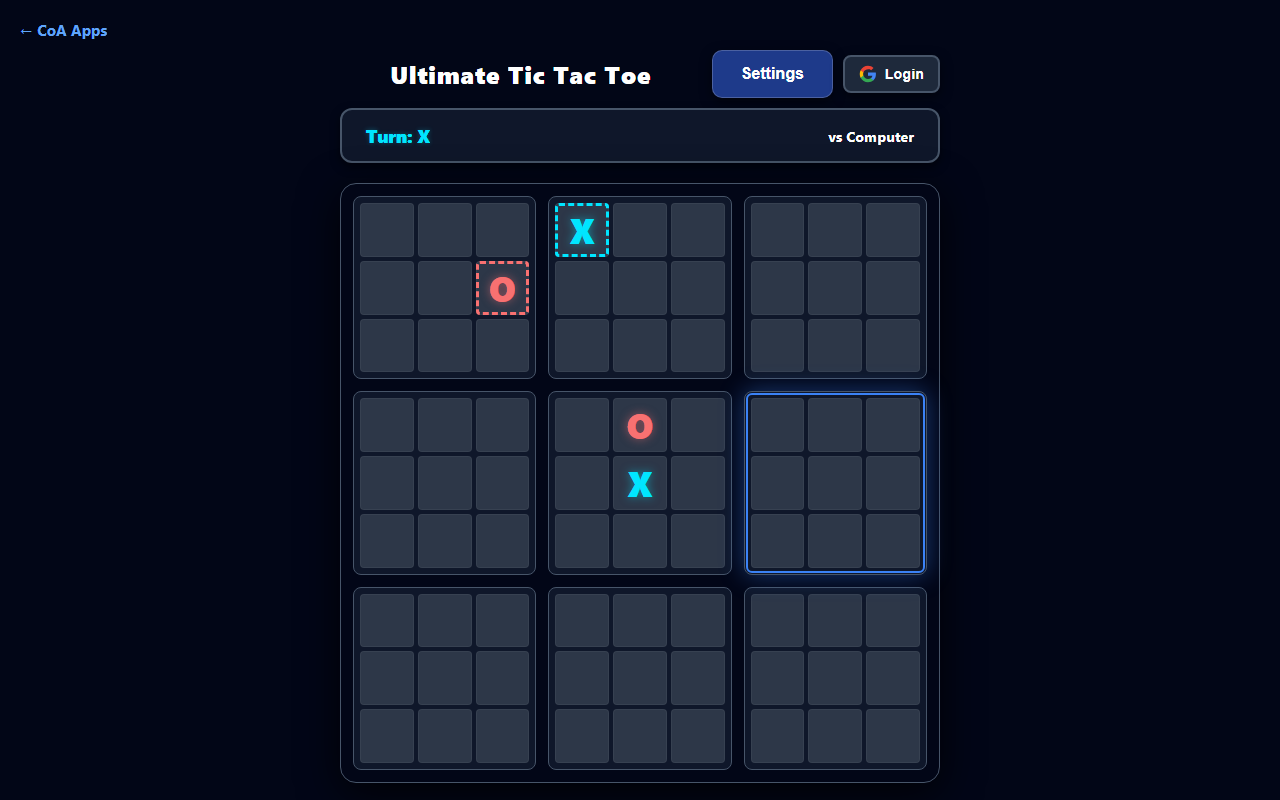
Ultimate Tic Tac Toe mid-game against the computer, with X and O marks placed in several mini-boards and the center-left mini-board highlighted as the active board for the next move.

Ultimate Tic Tac Toe

Your move decides their next board. Nine tic-tac-toe grids, one bigger game of strategy — play solo against AI, locally, or online.

Learn More Play Now
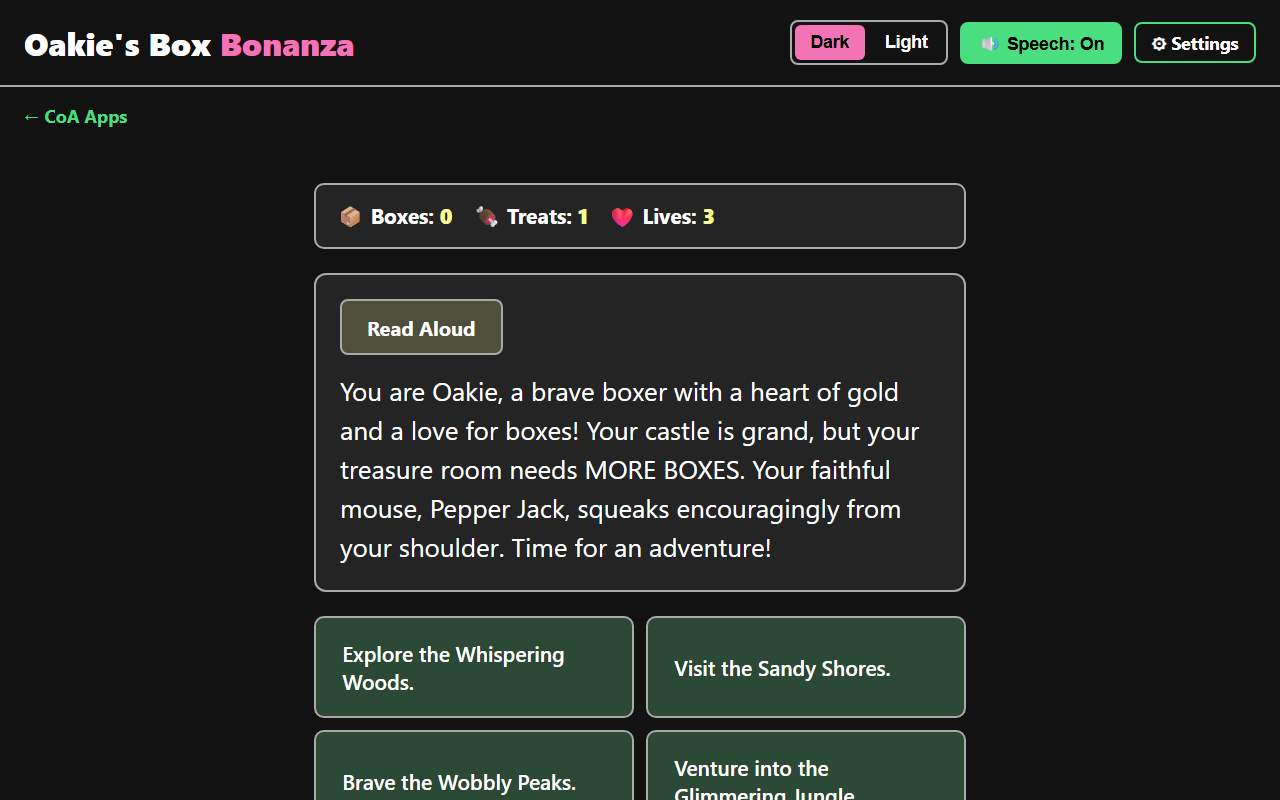
Oakie's Box Bonanza gameplay showing the story introducing Oakie the boxer dog, a Boxes/Treats/Lives status bar, and four location choices including Explore the Whispering Woods and Visit the Sandy Shores.

Oakie's Box Bonanza

Help Oakie sniff out treasure. Explore eight magical locations, solve math puzzles, and fill the castle treasure room.

Learn More Play Now